The Story
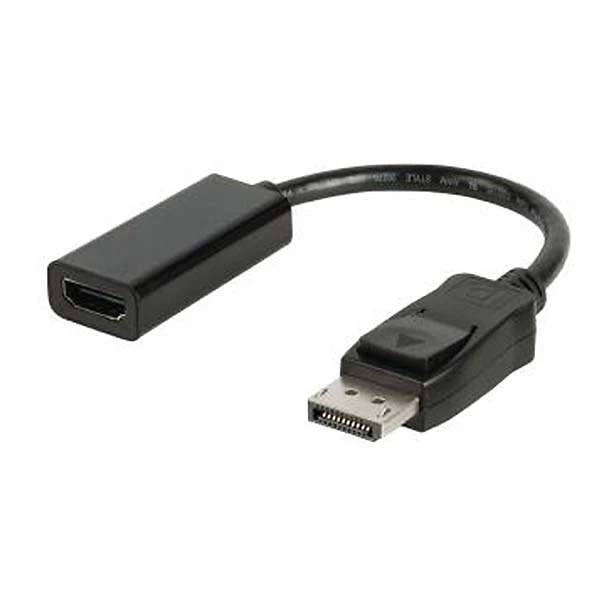
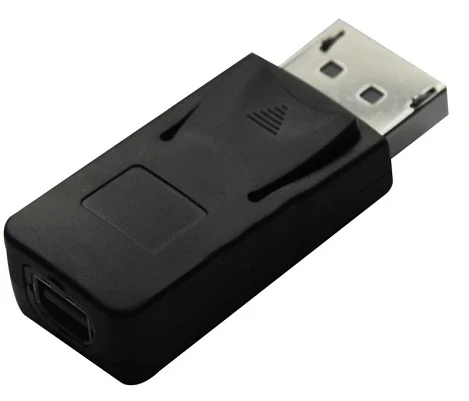
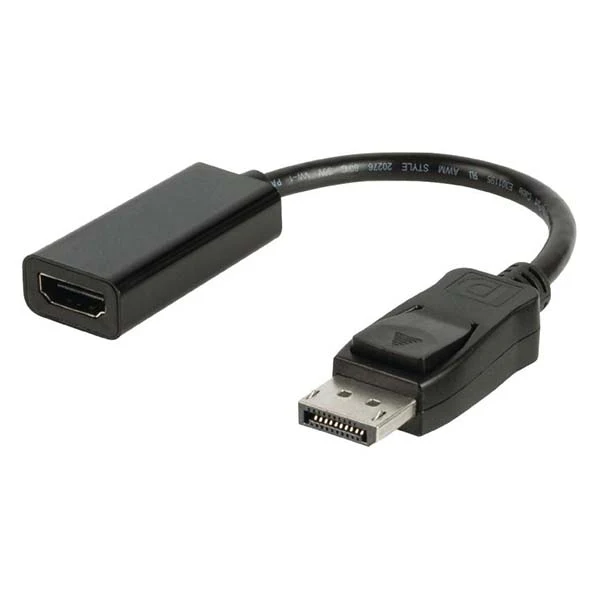
The Matrix DIS002-3 is an active DisplayPort to HDMI adapter that converts a DisplayPort signal from your PC or laptop to an HDMI output for monitors, TVs, and projectors. It draws power directly from the DisplayPort source for stable, plug-and-play performance and broad compatibility, even with non-DP++ graphics ports.
Key Features
- Input: DisplayPort (male)
- Output: HDMI (female)
- Active signal conversion; no external power required
- Powered via DisplayPort source (3.3 V IO, 1.2 V core)
- Supports up to 1080p, 1920 × 1200
- Compact, plug-and-play design
Active vs Passive Adapters
Active DisplayPort adapters include a built-in signal converter, so they work with graphics ports that do not support dual-mode DisplayPort (DP++), improve compatibility, and help with longer cable runs. Passive adapters rely on the GPU’s DP++ feature to perform the conversion and only work when DP++ is available.
Compatibility
- Source devices: Desktops and laptops with DisplayPort
- Displays: HDMI-equipped monitors, TVs, projectors
- Use cases: Office presentations, home entertainment, multi-monitor setups
Description
The Matrix DIS002-3 is an active DisplayPort to HDMI adapter that converts a DisplayPort signal from your PC or laptop to an HDMI output for monitors, TVs, and projectors. It draws power directly from the DisplayPort source for stable, plug-and-play performance and broad compatibility, even with non-DP++ graphics ports.
Key Features
- Input: DisplayPort (male)
- Output: HDMI (female)
- Active signal conversion; no external power required
- Powered via DisplayPort source (3.3 V IO, 1.2 V core)
- Supports up to 1080p, 1920 × 1200
- Compact, plug-and-play design
Active vs Passive Adapters
Active DisplayPort adapters include a built-in signal converter, so they work with graphics ports that do not support dual-mode DisplayPort (DP++), improve compatibility, and help with longer cable runs. Passive adapters rely on the GPU’s DP++ feature to perform the conversion and only work when DP++ is available.
Compatibility
- Source devices: Desktops and laptops with DisplayPort
- Displays: HDMI-equipped monitors, TVs, projectors
- Use cases: Office presentations, home entertainment, multi-monitor setups